
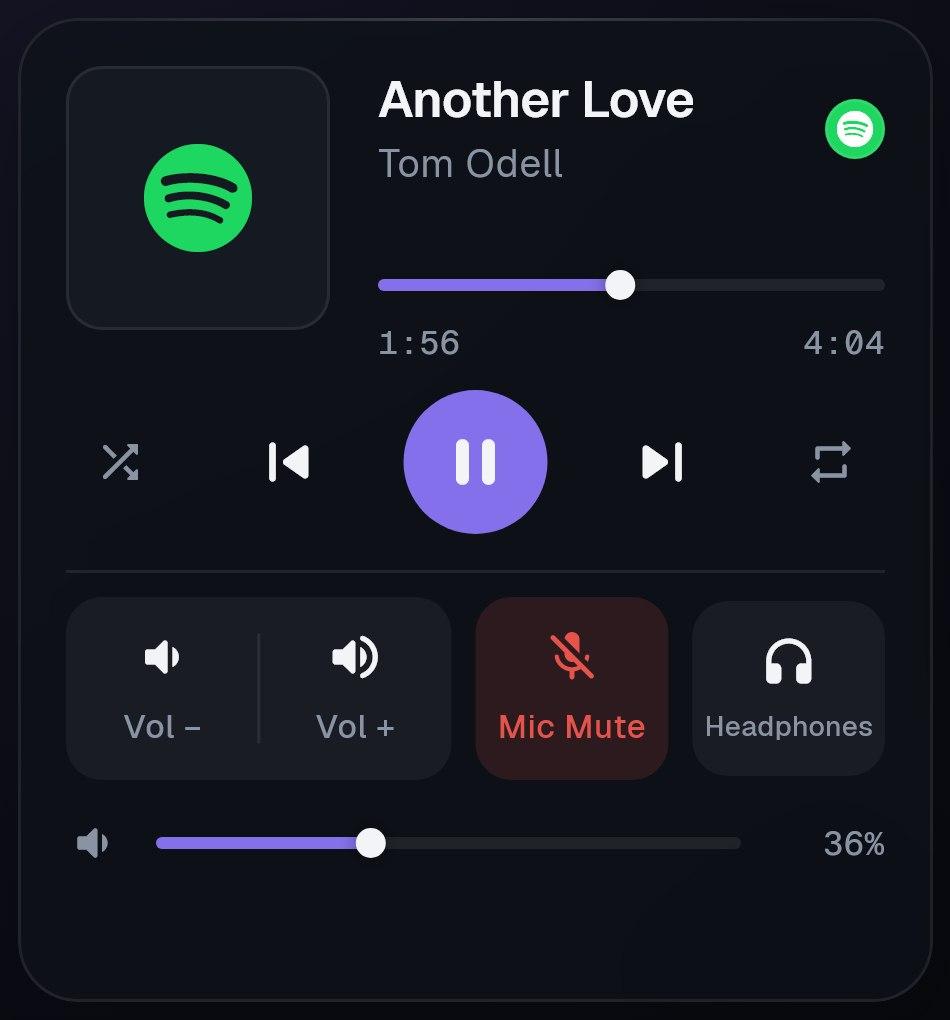
Now playing, from any app
Artwork, title and progress from whatever your PC is playing. Play, skip, shuffle and repeat.
Selected work · Mobile app
Your PC. In your hand.
Turn your Android phone into a control deck for your Windows PC: music, mic, apps and live stats.
The film
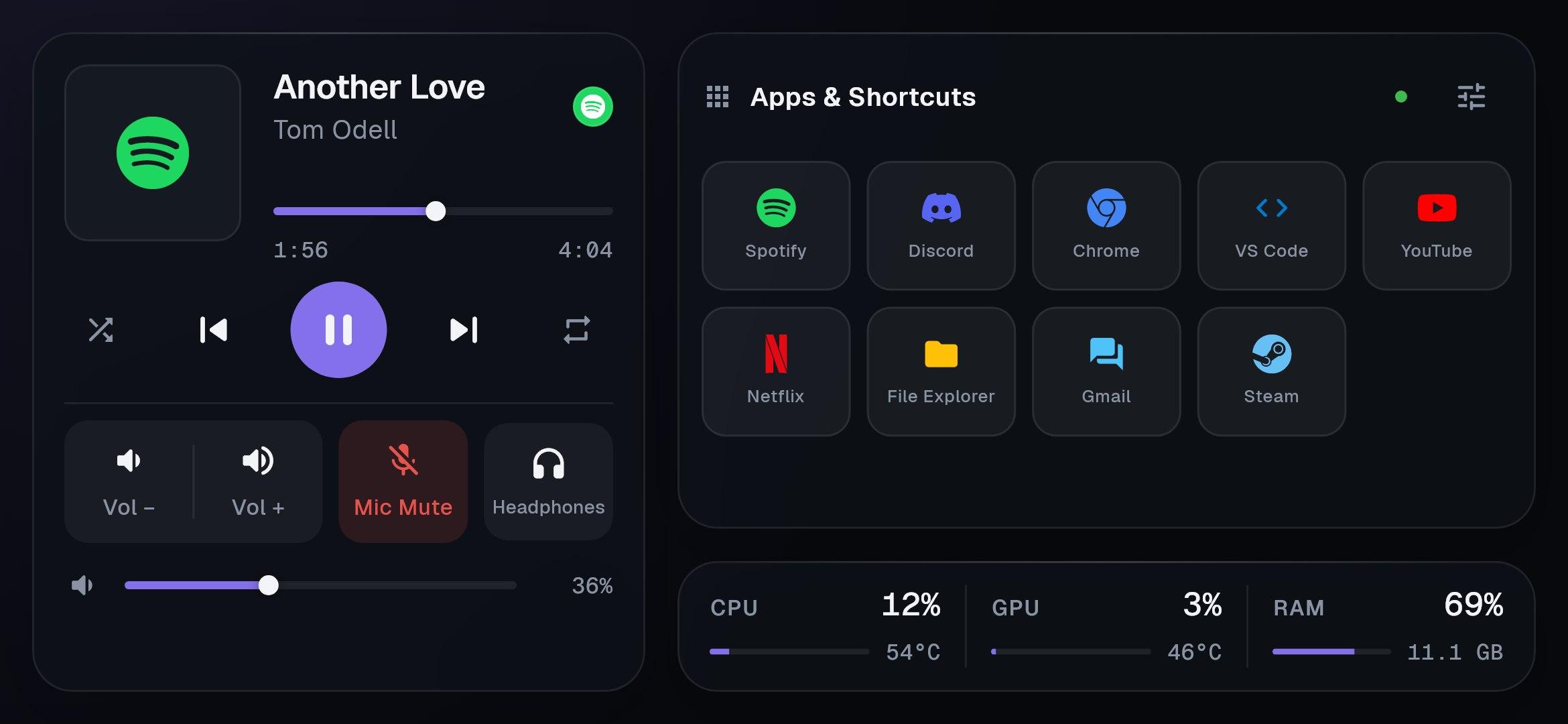
The phone is the deck. A small server in your Windows tray does the work. They find each other on Wi-Fi.
The deck
Artwork, title and progress from whatever your PC is playing. Play, skip, shuffle and repeat.
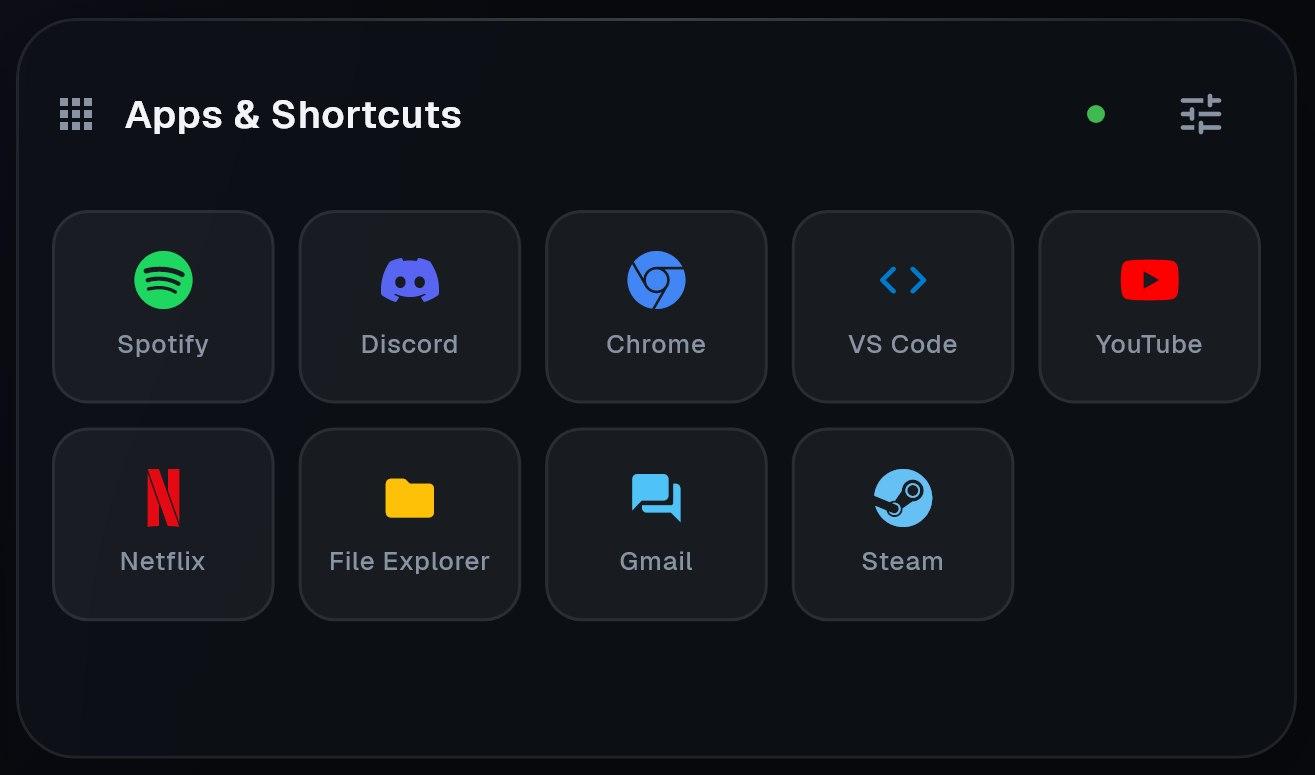
Tap a tile to open Spotify, VS Code, Steam or any URL. Add your own from the phone or the PC.
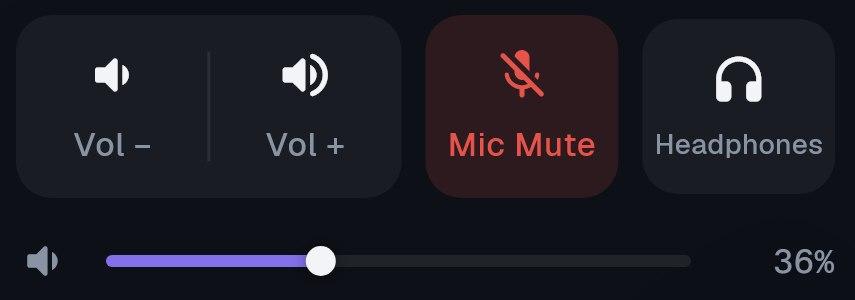
Volume and audio output sit on the same row.
Usage and temperatures, streamed from your PC as they change.

Windows
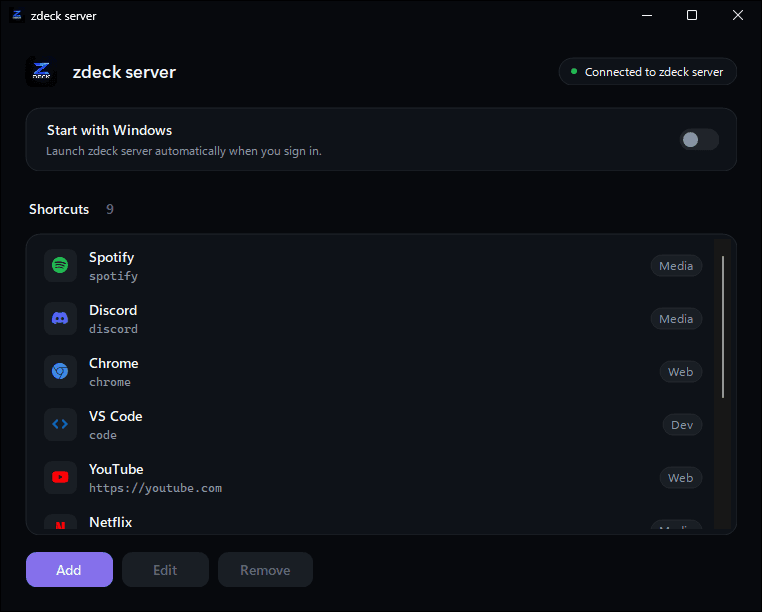
A small Windows app that runs in your tray and carries out every tap from the phone.
Finds your phone on Wi-Fi
No IP address to type, even when it changes.
Shortcuts sync both ways
Add one on the PC and it appears on the phone.
Starts with Windows
Then waits quietly in the tray.
Two apps
Download
APK · 53.4 MB
Any Android phone. Designed for landscape on a 6.7-inch screen.
Installer · 12.5 MB
Windows 10 or 11, 64-bit. Setup adds the .NET 10 runtime if it is missing.
Open the APK on your phone and allow installs from your browser when Android asks.
Run the installer on your PC and tick "Start with Windows". It then waits in the tray.
Keep both on the same Wi-Fi. The app finds your PC by itself.